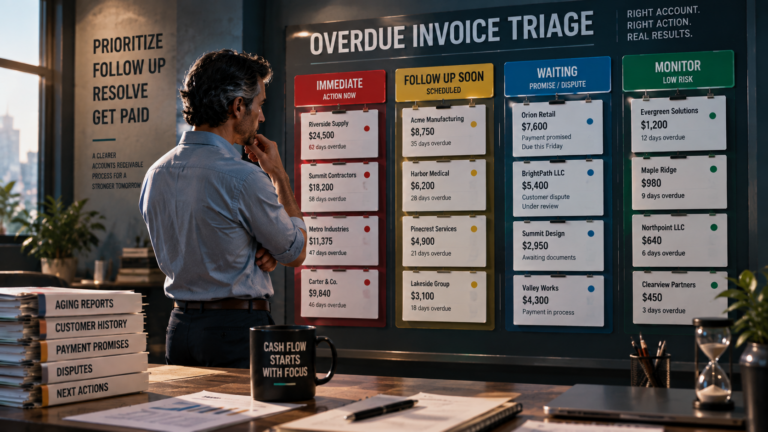
Accounts Receivable Software vs. Spreadsheets
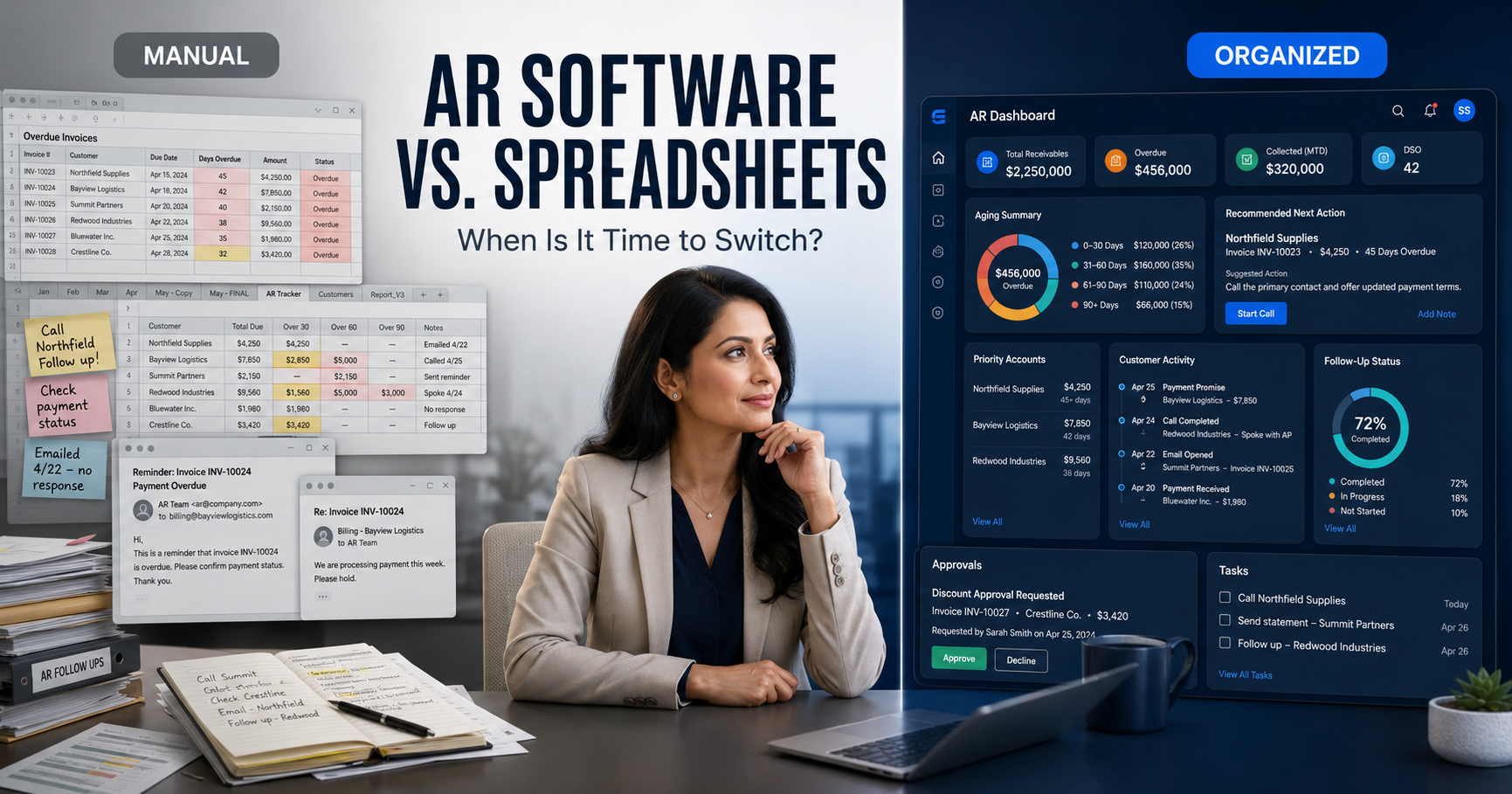
Accounts Receivable Software vs. Spreadsheets: When Is It Time to Switch?
Spreadsheets are inexpensive, familiar and flexible. For a business with a small number of invoices, they may be entirely adequate.
The problem appears as invoice volume grows.
Balances become outdated. Follow-up notes are stored in separate email threads. Employees create competing versions of the same file. No one can confidently explain which customer needs attention next.
Dedicated accounts receivable software is not automatically better for every business. The right time to switch depends on complexity, workload and the cost of continuing the manual process.
What spreadsheets do well
A spreadsheet can effectively track:
- Customer names
- Invoice numbers
- Original balances
- Due dates
- Outstanding amounts
- Aging categories
- Basic collection notes
- Payment status
Spreadsheets also provide control over formulas and reporting formats. A new business with a limited number of customers may not need another software platform.
The honest answer is that businesses should not purchase software merely because the word “AI” appears in the description.
Where spreadsheets begin to fail
Spreadsheet limitations become more visible when several people, systems and communications are involved.
Common warning signs include:
- Multiple versions of the receivables file
- Balances updated inconsistently
- Follow-ups missed or duplicated
- Collection notes stored in personal inboxes
- Payment promises not documented
- Disputes mixed with ordinary overdue accounts
- No defined person responsible for the next action
- Difficulty identifying priority accounts
- Time wasted compiling weekly reports
- Customer communication sent without complete context
The spreadsheet may still contain the balances, but it no longer manages the process.
Comparison: spreadsheet vs. accounts receivable software
| Capability | Spreadsheet | AR software |
|---|---|---|
| Invoice tracking | Manual entries and updates | Centralized records |
| Aging analysis | Formulas or manual sorting | Organized aging visibility |
| Prioritization | User reviews every row | Priority recommendations |
| Follow-up | Separate email workflow | Connected collection workflow |
| Communication history | Notes and inbox searches | Organized account timeline |
| Payment promises | Manually documented | Attached to customer activity |
| Team accountability | Difficult to assign | Clearer tasks and next actions |
| Reporting | Manually assembled | Centralized operational visibility |
| Human oversight | Entirely manual | Automation with configurable review |
Actual capabilities vary among products. Evaluate what a system really does rather than relying on category labels.
Five signs you may have outgrown spreadsheets
1. Follow-ups are being missed
If reminders depend on someone remembering to inspect a spreadsheet, the process is vulnerable.
2. Employees cannot see the complete account history
Someone reviewing an overdue invoice should be able to see prior communication, disputes, payment promises and planned next steps.
3. Prioritization consumes too much time
Sorting solely by due date may overlook high-value accounts, broken promises and customers without recent contact.
4. Reporting requires manual reconstruction
Management should not need several hours to determine how much is overdue and where the risk is concentrated.
5. Late payments are affecting operations
When unpaid invoices begin influencing payroll, purchasing or growth decisions, receivables require more disciplined management.
The Late Payment Cost Calculator can help estimate the potential financing, administrative and working-capital impact of a delayed payment.
What dedicated software should improve
Accounts receivable software should create a meaningful operational improvement.
Look for capabilities such as:
- Centralized customer and invoice information
- Clear aging visibility
- Collection prioritization
- Recommended next actions
- Email integration
- Documented customer activity
- Promise-to-pay tracking
- Dispute visibility
- Human approval controls
- Useful reporting
- Appropriate data security
- Straightforward implementation
If a system merely recreates a spreadsheet with a more expensive interface, it has not solved the underlying problem.
Where PaymentPilot fits
PaymentPilot is designed for small businesses that need more structure than a spreadsheet but may not require a complex enterprise collections platform.
The software helps users:
- Organize invoices and customers
- Identify priority accounts
- Review AI-assisted recommendations
- Manage Gmail or Outlook communication
- Maintain a collection timeline
- Preserve human approval and oversight
Review the complete PaymentPilot AI accounts receivable software page to compare the workflow and pricing.
Calculate the condition of your receivables first
Before changing systems, establish a baseline.
Use these free tools:
- DSO Calculator to estimate collection speed
- Accounts Receivable Aging Calculator to identify where balances are concentrated
- Late Payment Cost Calculator to estimate the impact of payment delays
Then identify how many hours employees spend updating reports, searching for emails and preparing follow-ups.
The software decision should be based on the cost of the current problem—not fear of being left behind technologically.
Should your business switch?
Continue using a spreadsheet if it remains accurate, current, secure and manageable.
Consider dedicated software when:
- Invoice volume is increasing
- Several people touch the collection process
- Follow-up is inconsistent
- Account context is scattered
- Reporting is time-consuming
- Overdue balances are difficult to prioritize
- The manual process costs more than the proposed solution
PaymentPilot offers a 14-day free trial without requiring a credit card, allowing businesses to evaluate the workflow before making a longer commitment.
Explore PaymentPilot and compare it with your current spreadsheet process.
Additional resources for business owners
Receivables are one component of operational risk. Use the free Small Business Assessment Tool to review other areas that may need attention.
To discuss your business, schedule a 30-minute conversation.
Samuel Bennett, Licensed Insurance Agent
Island Insurance Group
sam@islandinsurancegroup.com
954-804-8144
PaymentPilot provides business software and AI-assisted recommendations. Users remain responsible for reviewing recommendations and collection communications. This article is not legal, accounting or financial advice.