
How to Automate Accounts Receivable for Small Businesses
How to Automate Accounts Receivable Without Losing Customer Relationships
Accounts receivable automation can save time, improve consistency and help prevent overdue invoices from being forgotten.
It can also create problems when implemented carelessly.
A rigid system may send an aggressive reminder to a valuable customer who already disputed the invoice, promised payment or never received the original bill. The objective should not be to automate every interaction. It should be to automate repetitive work while preserving judgment where relationships and unusual circumstances matter.
What is accounts receivable automation?
Accounts receivable automation uses software to reduce manual work involved in managing invoices and customer payments.
Depending on the system, automation may help with:
- Importing invoice information
- Monitoring due dates
- Categorizing aging balances
- Identifying accounts requiring attention
- Scheduling collection tasks
- Preparing reminder messages
- Recording account activity
- Tracking promises to pay
- Reporting on collection performance
Automation does not eliminate the need for accurate data, reasonable policies or human oversight.
Start by documenting the current process
Do not automate a broken workflow.
Before choosing software, document what currently happens after an invoice is issued:
- Where is the invoice recorded?
- Who monitors the due date?
- When is the first reminder sent?
- Who responds to a dispute?
- Where are payment promises documented?
- When does management become involved?
- When is an account escalated?
If no one can answer those questions consistently, technology alone will not solve the problem.
Automate account monitoring
Staff should not have to inspect every invoice manually each morning.
A centralized system can help surface:
- Recently overdue invoices
- High-value outstanding balances
- Accounts without recent follow-up
- Broken payment promises
- Severely aged receivables
- Customers requiring review
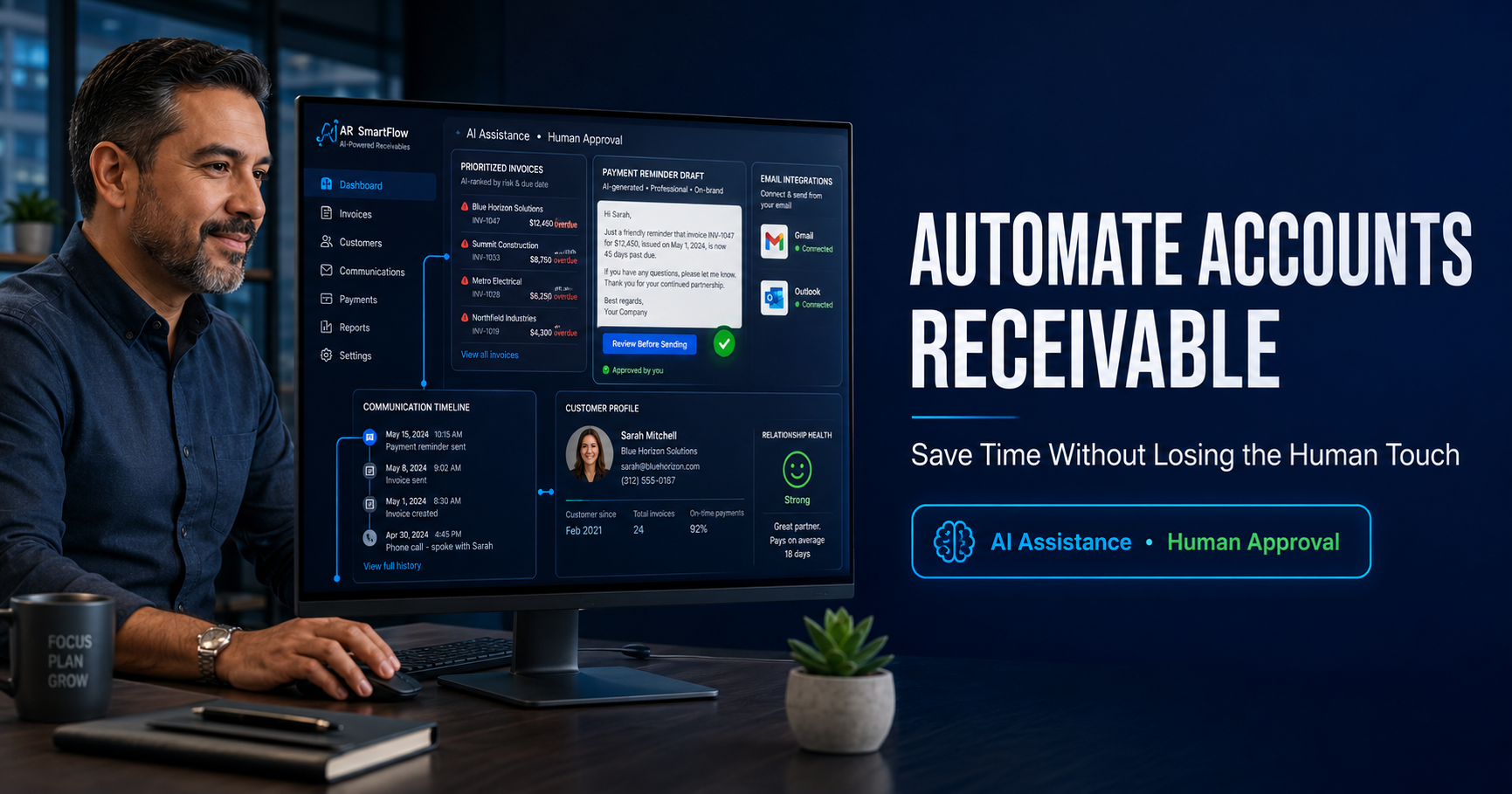
PaymentPilot is designed to help small businesses organize and prioritize this work. Its AI-assisted accounts receivable workflow recommends possible next actions while keeping customer-facing decisions subject to human review.
Automate routine preparation—not every decision
Low-risk tasks are generally the best automation candidates.
Examples include:
- Creating follow-up tasks
- Sorting invoices by age
- Flagging accounts without recent activity
- Preparing draft reminder messages
- Maintaining a communication timeline
- Calculating collection metrics
- Generating internal reports
Actions deserving closer human review include:
- Responding to a customer dispute
- Changing payment terms
- Suspending service
- Sending a final demand
- Referring an account externally
- Threatening legal action
- Communicating with a strategically important customer
Automation should reduce administrative burden without pretending every delinquency is identical.
Use different workflows for different aging stages
An invoice that is three days overdue should not receive the same treatment as one that is 93 days overdue.
A practical workflow may distinguish among:
Before the due date
Confirm that the invoice was received and payment information is available.
1–30 days overdue
Use courteous reminders and determine whether an administrative issue is preventing payment.
31–60 days overdue
Request a specific status, identify disputes and obtain a realistic payment commitment.
61–90 days overdue
Increase follow-up frequency, involve management and consider whether additional credit should continue.
More than 90 days overdue
Review documentation, collectability, contractual options and potential escalation.
The free Accounts Receivable Aging Calculator can help categorize balances before designing these workflows.
Keep customer context attached to the invoice
Automation becomes dangerous when it acts without context.
Your system should make relevant information visible, including:
- Previous reminders
- Customer responses
- Disputes
- Payment arrangements
- Promised payment dates
- Responsible employees
- Supporting documents
- Next planned action
This prevents duplicate messages and helps employees understand the relationship before contacting the customer.
Connect collection communication
Switching among spreadsheets, accounting records and separate email threads wastes time and increases the chance of error.
PaymentPilot supports Gmail and Outlook integration so collection communication can be managed alongside invoice and customer activity. Human review remains important, particularly when tone, timing or escalation could affect the relationship.
Measure whether automation is helping
Do not judge the system solely by the number of reminders it sends.
Monitor:
- Total receivables
- Total overdue balance
- Percentage of receivables overdue
- Percentage more than 60 or 90 days overdue
- Days Sales Outstanding
- Average time between follow-ups
- Broken payment promises
- Dispute-resolution time
- Collection activity completed
- Customer complaints related to reminders
Use the free DSO Calculator to establish a baseline before changing your process.
You can also use the Late Payment Cost Calculator to estimate how financing costs, collection effort and tied-up working capital may affect the business.
Avoid these automation mistakes
Automating without clean data
Incorrect email addresses, duplicate invoices and inaccurate balances can produce damaging communication.
Sending every message automatically
Some accounts require context and approval. Speed is not more important than accuracy.
Using the same tone at every stage
Reminder language should evolve as the invoice ages and circumstances become clearer.
Ignoring disputes
A disputed invoice requires investigation, not an endless sequence of reminders.
Measuring activity instead of outcomes
Sending more emails does not necessarily mean receivables are improving.
Making unsupported legal threats
Collection communications must remain accurate and appropriate. Seek qualified advice when escalation raises legal questions.
Human-controlled automation is the better model
The strongest accounts receivable automation does not remove people from the process. It removes unnecessary manual work so people can focus on decisions, exceptions and customer relationships.
PaymentPilot helps businesses identify priority accounts, review recommended actions and manage follow-up through a more organized workflow.
See how PaymentPilot supports accounts receivable automation and start a 14-day free trial without a credit card.
Review the other risks affecting your business
Use Island Insurance Group’s free Small Business Assessment Tool to identify operational and insurance issues that may warrant further review.
You can also schedule a conversation with Samuel Bennett.
Samuel Bennett, Licensed Insurance Agent
sam@islandinsurancegroup.com
954-804-8144
PaymentPilot provides business software and AI-assisted recommendations. Users should review recommendations before acting. This content is general information, not legal, accounting or financial advice.